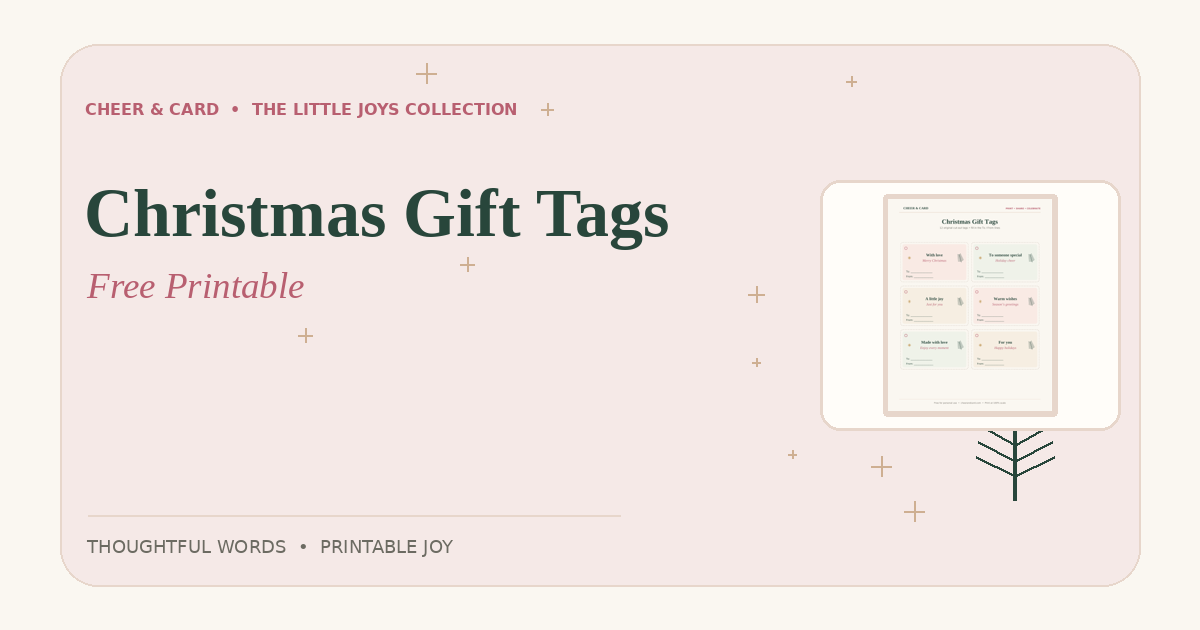
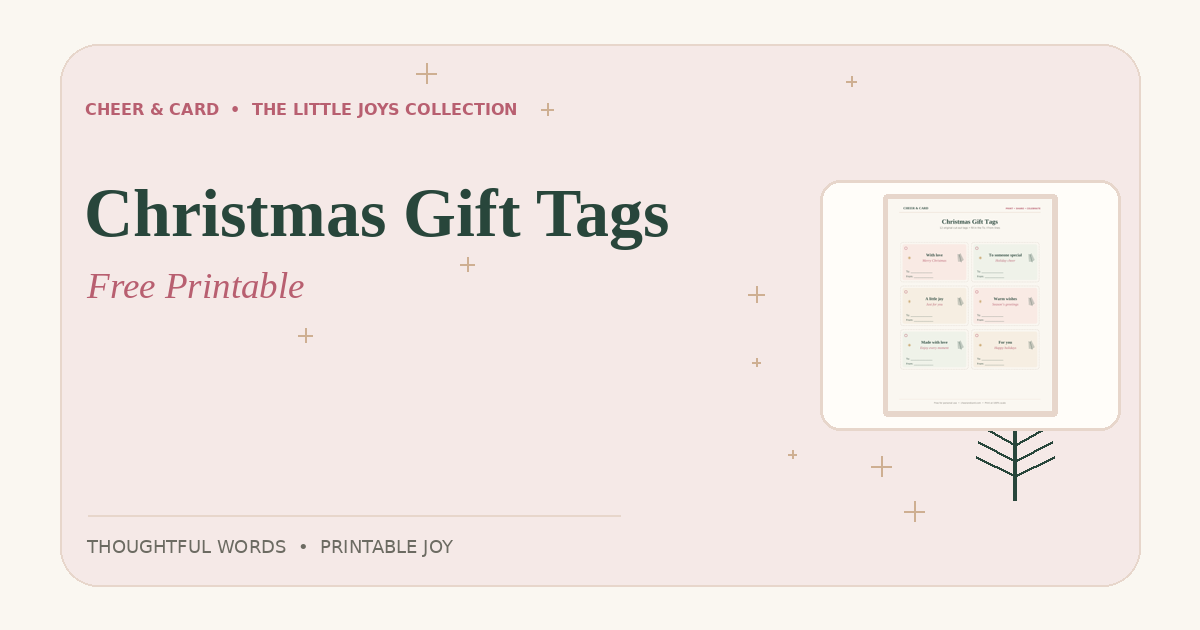
The smallest details can make a wrapped gift feel personal. Our free Christmas gift tags are designed to print at home, with space to write both the recipient and sender.
How to print your gift tags
- Download the free Christmas gift tags PDF (US Letter).
- Open the file in a PDF reader and select your printer.
- Choose “Actual size” or 100% scale so the tags keep their intended dimensions.
- If available, use slightly heavier paper or cardstock for a sturdier finish.
- Cut along the dotted outlines carefully, then write the name of the recipient.
- Attach the tag with tape or ribbon. Young children should ask an adult for help with scissors.
Small ways to personalize a tag
- Add a one-line memory instead of only writing a name.
- Use a color that matches the recipient’s favorite wrapping paper.
- Write a kind wish on the back before attaching it.
- For a family gathering, use the same paper for every gift to create a consistent look.
Make the message your own
These tags are original Cheer & Card designs. They are free for personal and classroom use. If a printer trims the edges, check the print preview before cutting. You can also browse our full printable collection.
Frequently asked question
Do these gift tags need a special printer?
No. A regular home printer and US Letter paper are enough. Cardstock is optional for a sturdier tag.
For a custom message, try our free greeting message generator. You can also find printable cards and gift tags that go with your note.
More from Cheer & Card
Get the printable
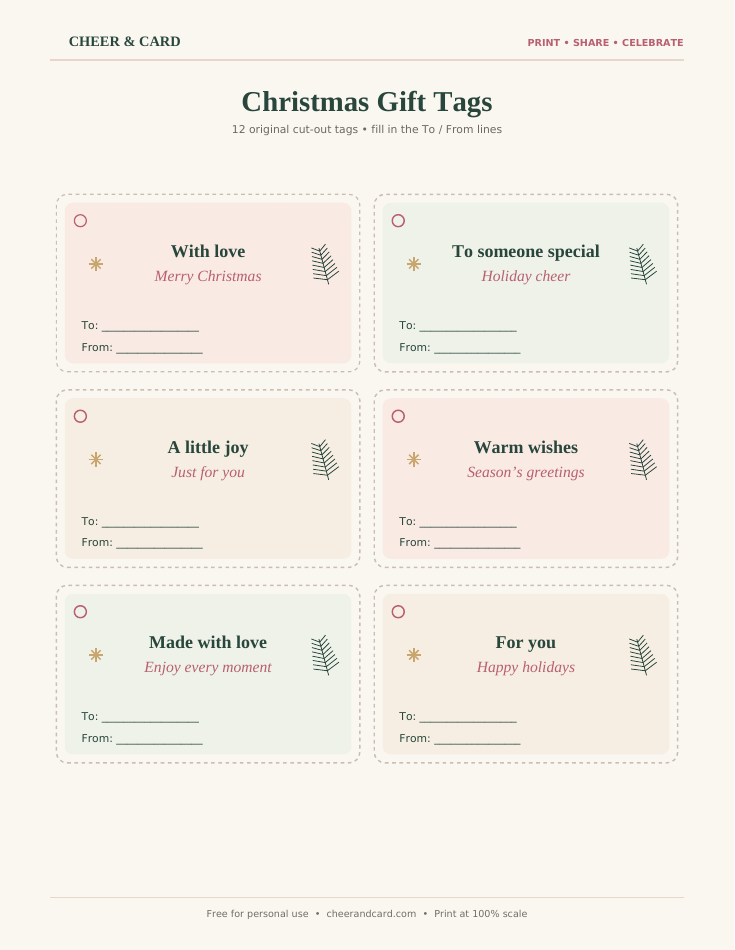
FREE PRINTABLE • 12 tags · 2 pages
Christmas Gift Tags
Twelve cut-out tags, with To and From lines.
Personal use. Print at actual size (100%).
Leave a Reply